


HR for every branch, and every event.
Kiplework runs clock-in, claims, leave and payroll for the employed staff behind a direct selling business: branch and stock centre teams, trainers, area managers and drivers. Their expenses are paid to the wallet the day they are approved.
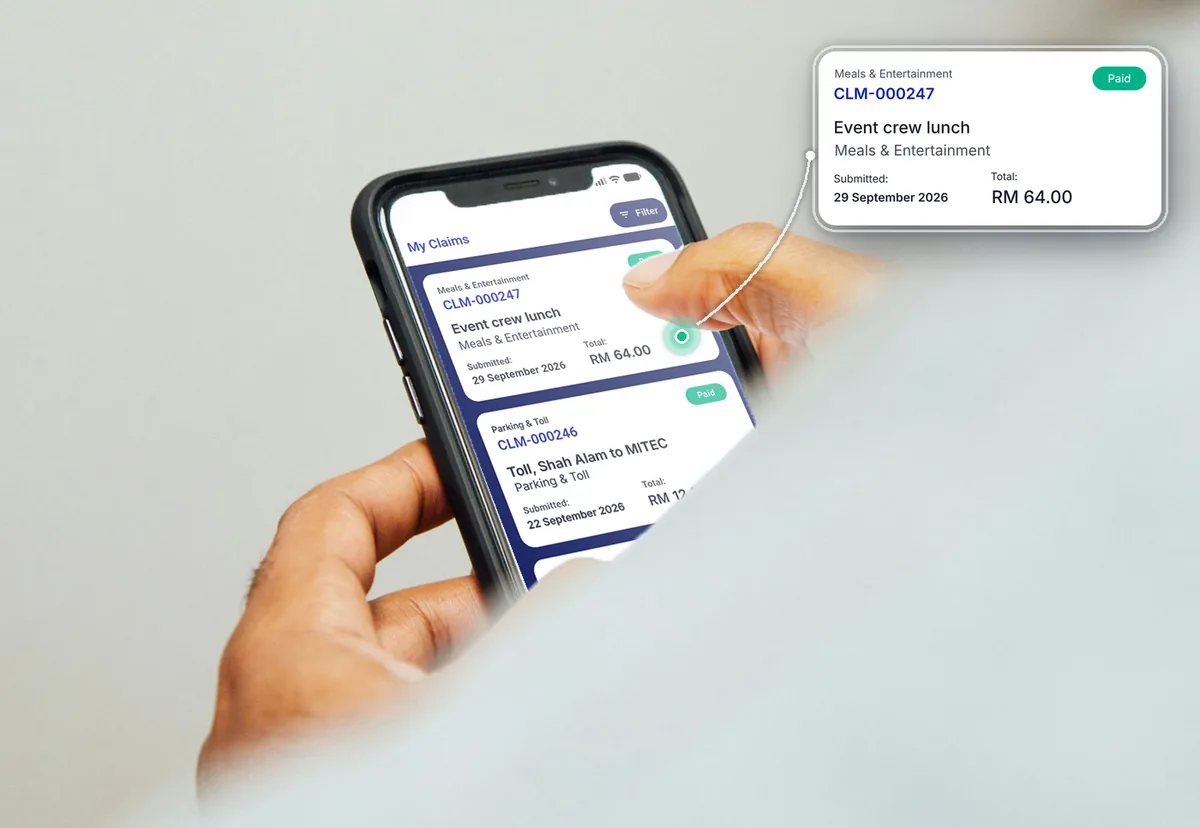
Built for the direct selling business you actually run.
Different product lines, same problem: staff spread across branches, stock centres and event venues, and expenses that cannot wait for month end.

Health and wellness
Branch counters and wellness centres with staff on shifts. Product trainers claim travel between branches and get paid the same day.

Beauty and personal care
Beauty advisors and trainers at launches and roadshows. QR check-in at each event, with overtime worked out from clock times.

Home and living
Showrooms plus a warehouse team packing orders. Shift patterns per site, and every site in one payroll run.

Food and nutrition
Stock pick-up centres open late and at weekends. Shifts and rest days set per centre, and leave approved from the phone.
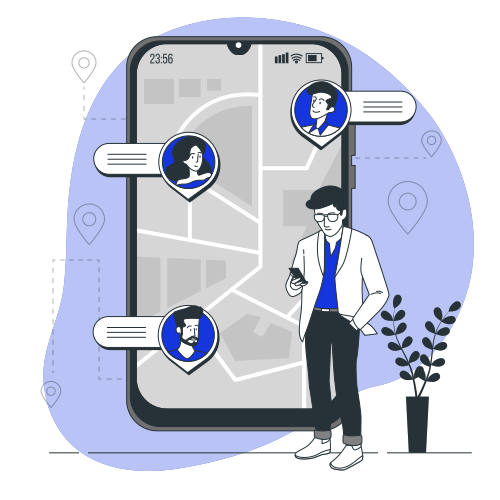
Multi-state branch networks
An HQ running branches in several states. One staff list, one payroll with statutory done, and reports by branch.
Built for teams who are rarely at a desk.
HQ sets the rules. Branches and the road run the day. Staff never need to open the portal.

HR and payroll at HQ
One staff list for every branch and stock centre. Payroll, statutory and payslips from one screen, with reports by branch or department.
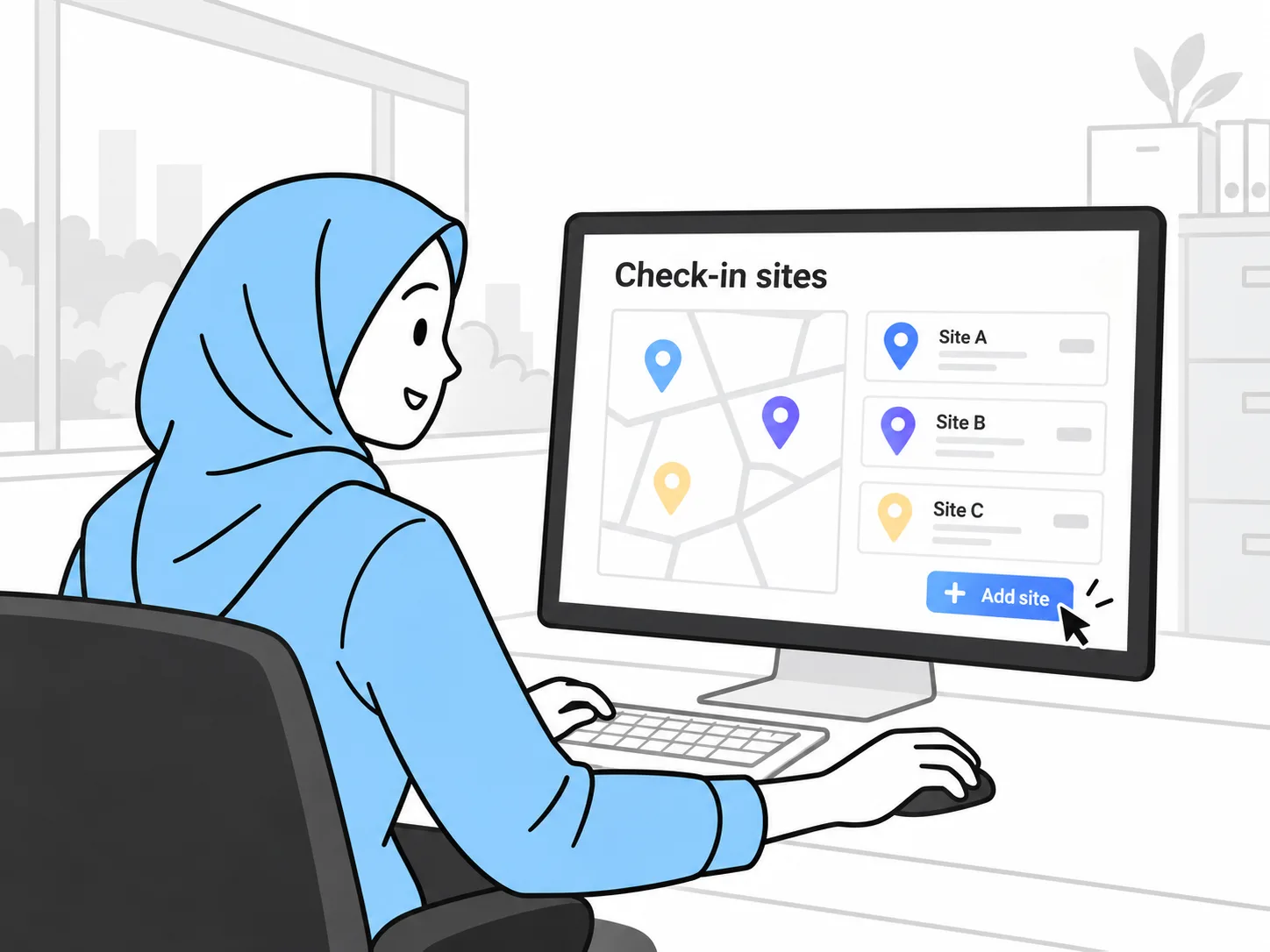
Branch and area managers
Approve claims and leave from the road and see who has clocked in at each branch or event. Nothing waits for a trip back to HQ.
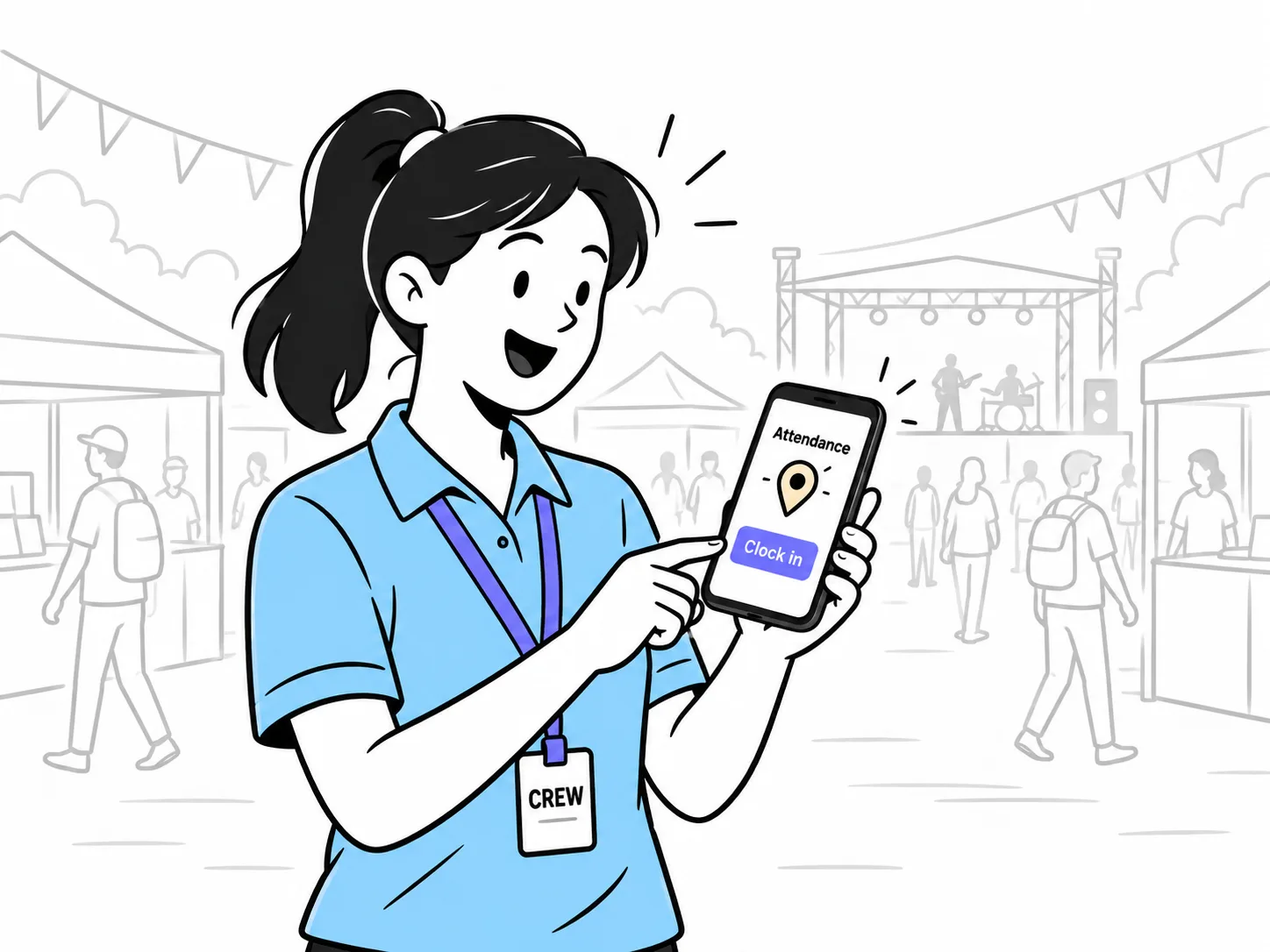
Branch, event and field staff
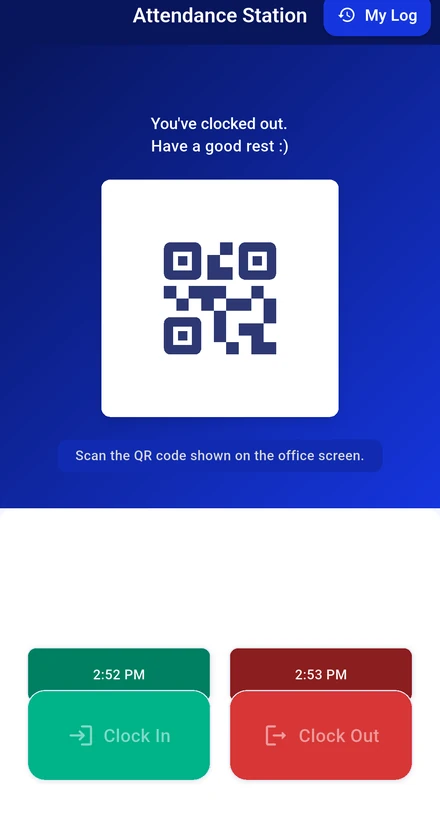
Clock in at the branch or scan the event QR code, claim travel and parking with a receipt photo, and get paid to the wallet.
Every branch and event gets its own check-in, shifts and reports.
Set it up once at HQ. Each branch inherits the rules.
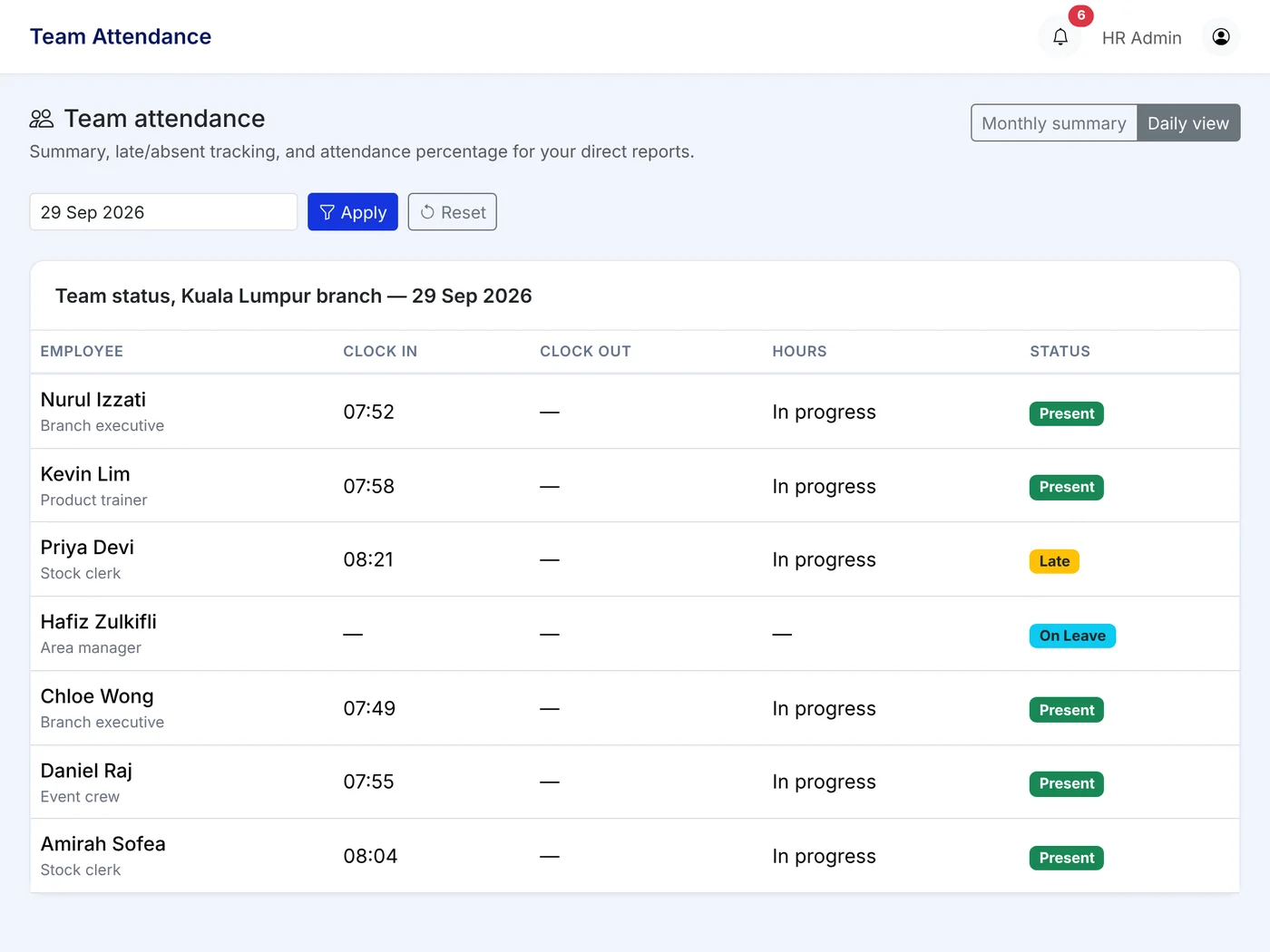
The modules direct selling companies switch on first.
Every module is included in the same per user price. Switch on what you need.




EPF: Employees Provident Fund. SOCSO: Social Security Organisation. EIS: Employment Insurance System. PCB: Potongan Cukai Bulanan, monthly tax deduction. HRDF: Human Resource Development Fund levy. QR: quick response code.
From spreadsheet to live in four steps.
Start with one branch. Roll out the rest when you are happy.
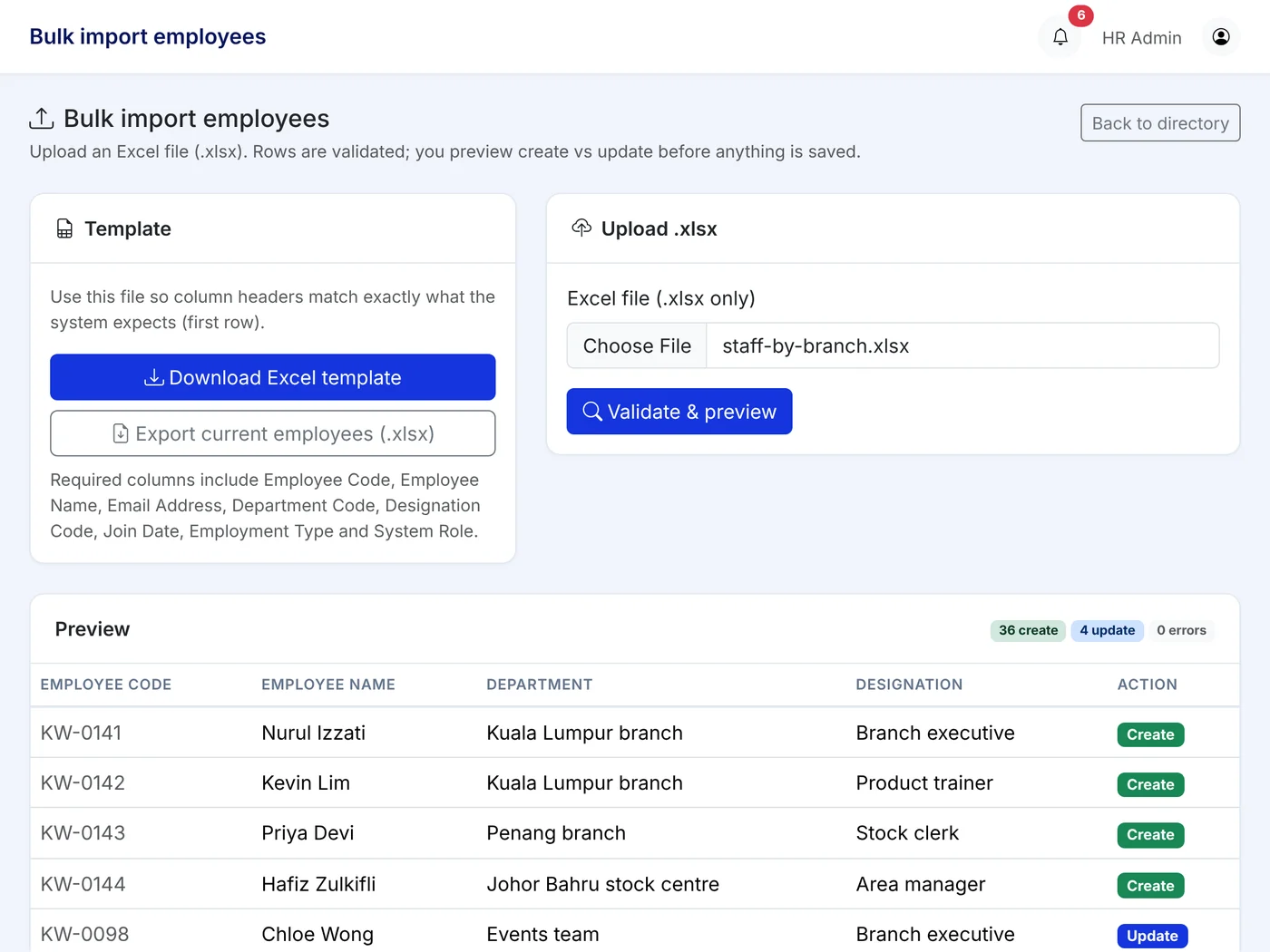
Import staff by branch
Fill the Excel template with your staff list and which branch each person belongs to. Upload once.
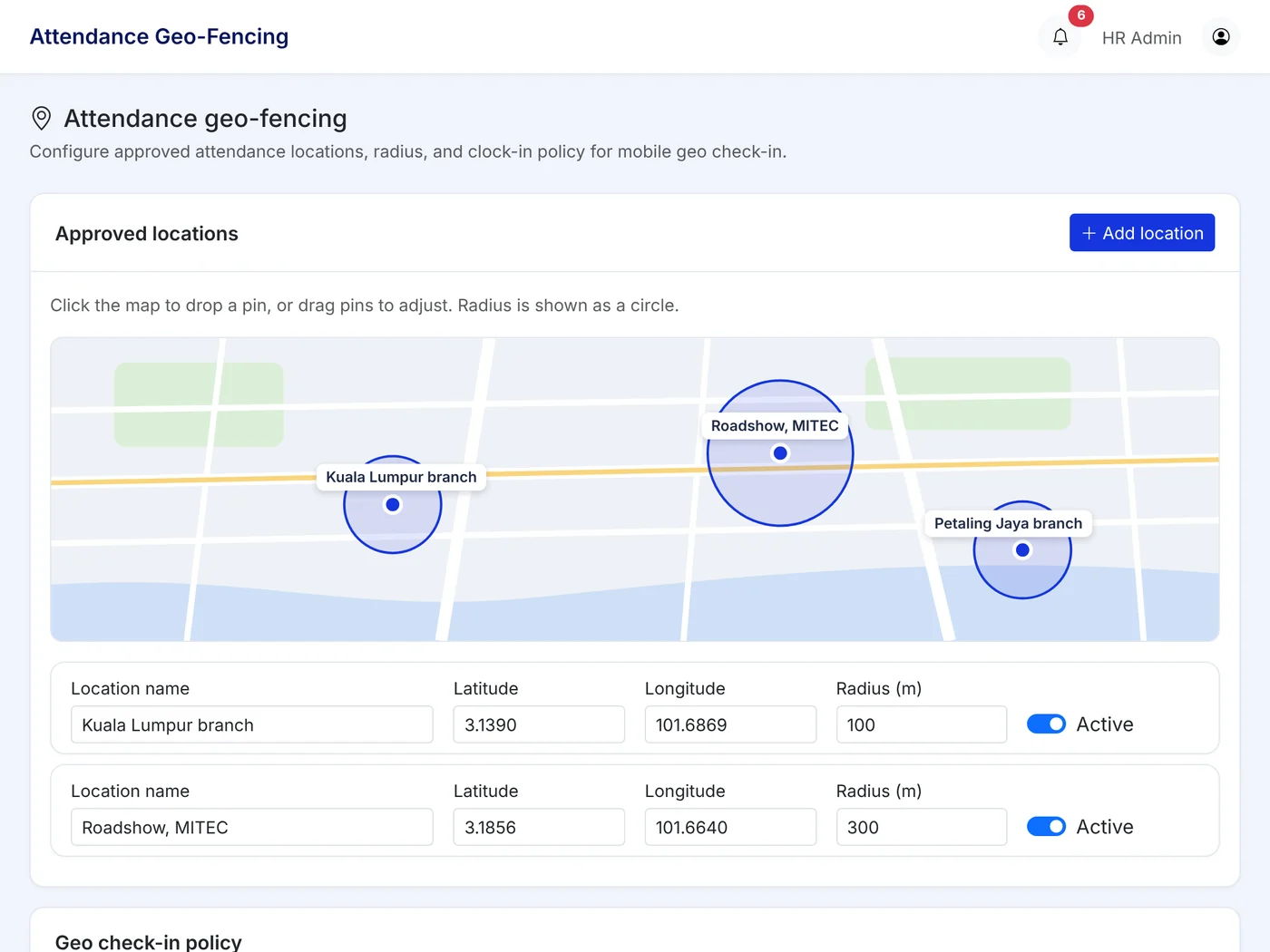
Set geofences and event QR codes
Add each branch's location and shift patterns, and create a QR code for each event. Overtime and leave rules follow your policy.
Switch on modules
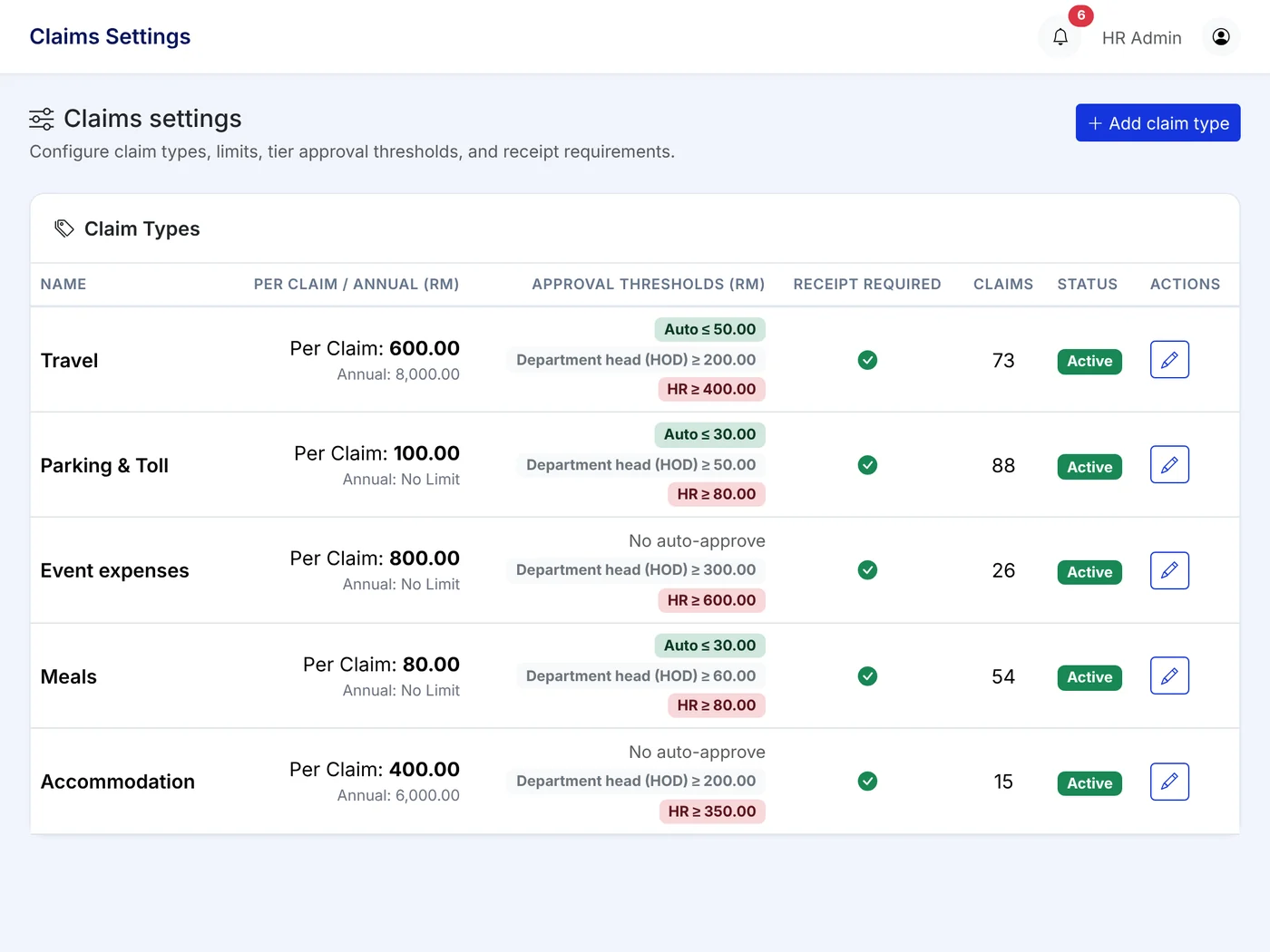
Turn on attendance, leave, claims and the wallet. Set travel and event claim types, tiers and caps. Prefund the wallet.
Go live branch by branch
Staff download the app, verify once with eKYC, and start clocking in. Add the next branch when ready.
Why direct selling companies pick Kiplework.
Three things most HR systems in Malaysia do not do.
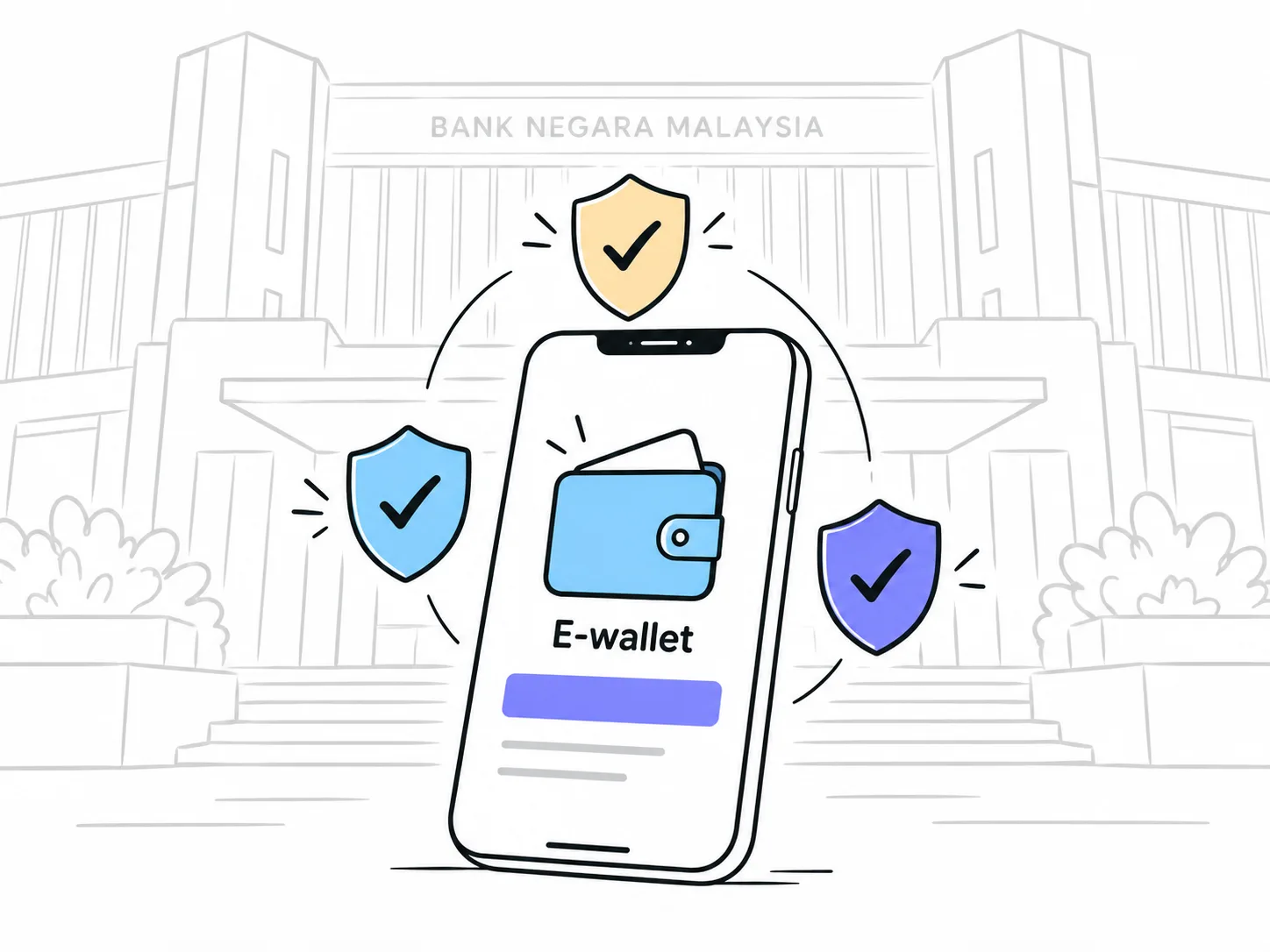
The wallet is built in
Approved claims become money the same day, without Finance keying anything into the bank. Kiplepay is an e-money issuer approved by Bank Negara Malaysia.
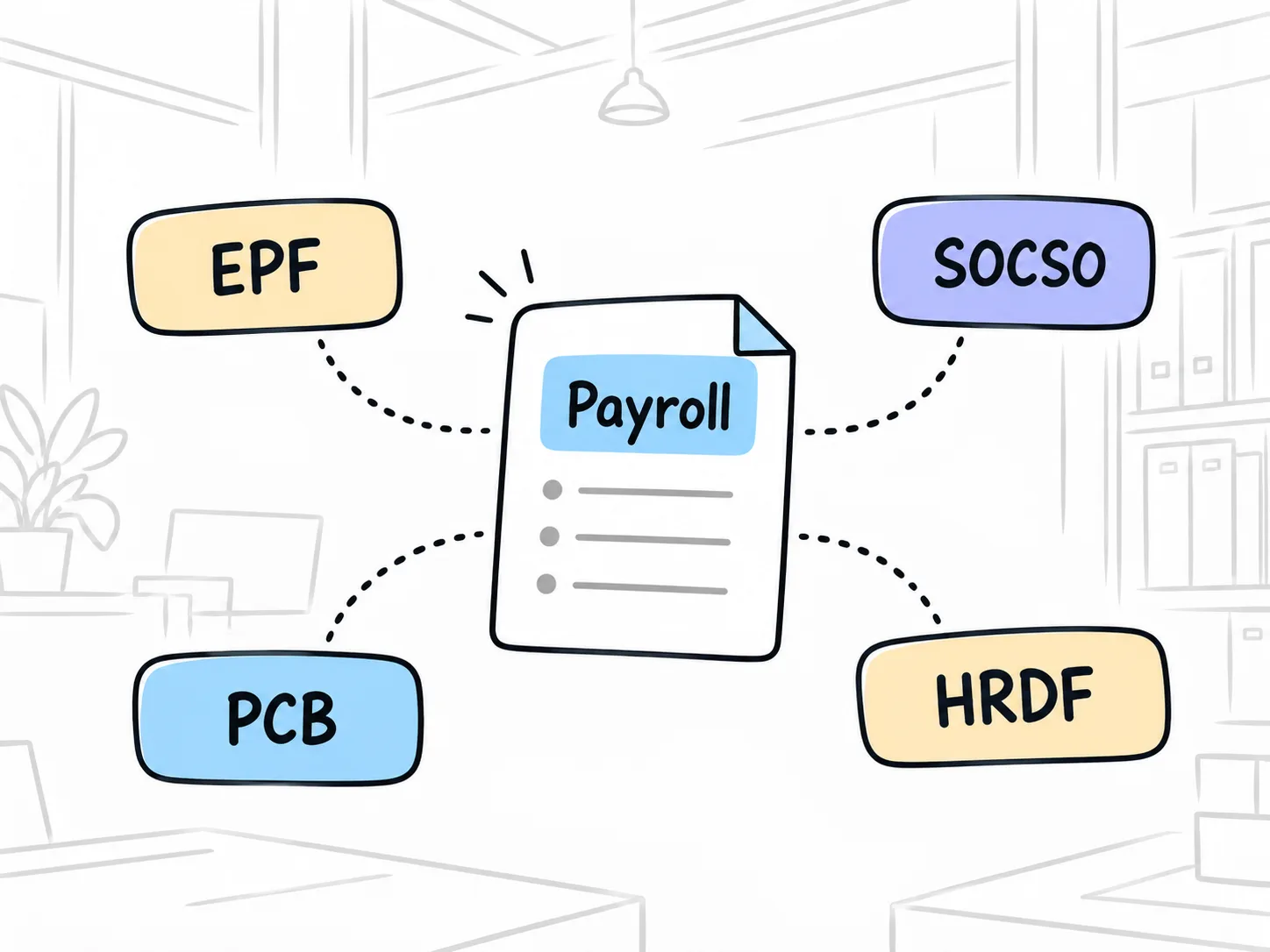
Malaysian statutory, done
EPF, SOCSO, EIS, PCB and HRDF follow the official tables. Statutory forms come from the same pay run, not rebuilt in Excel every month.
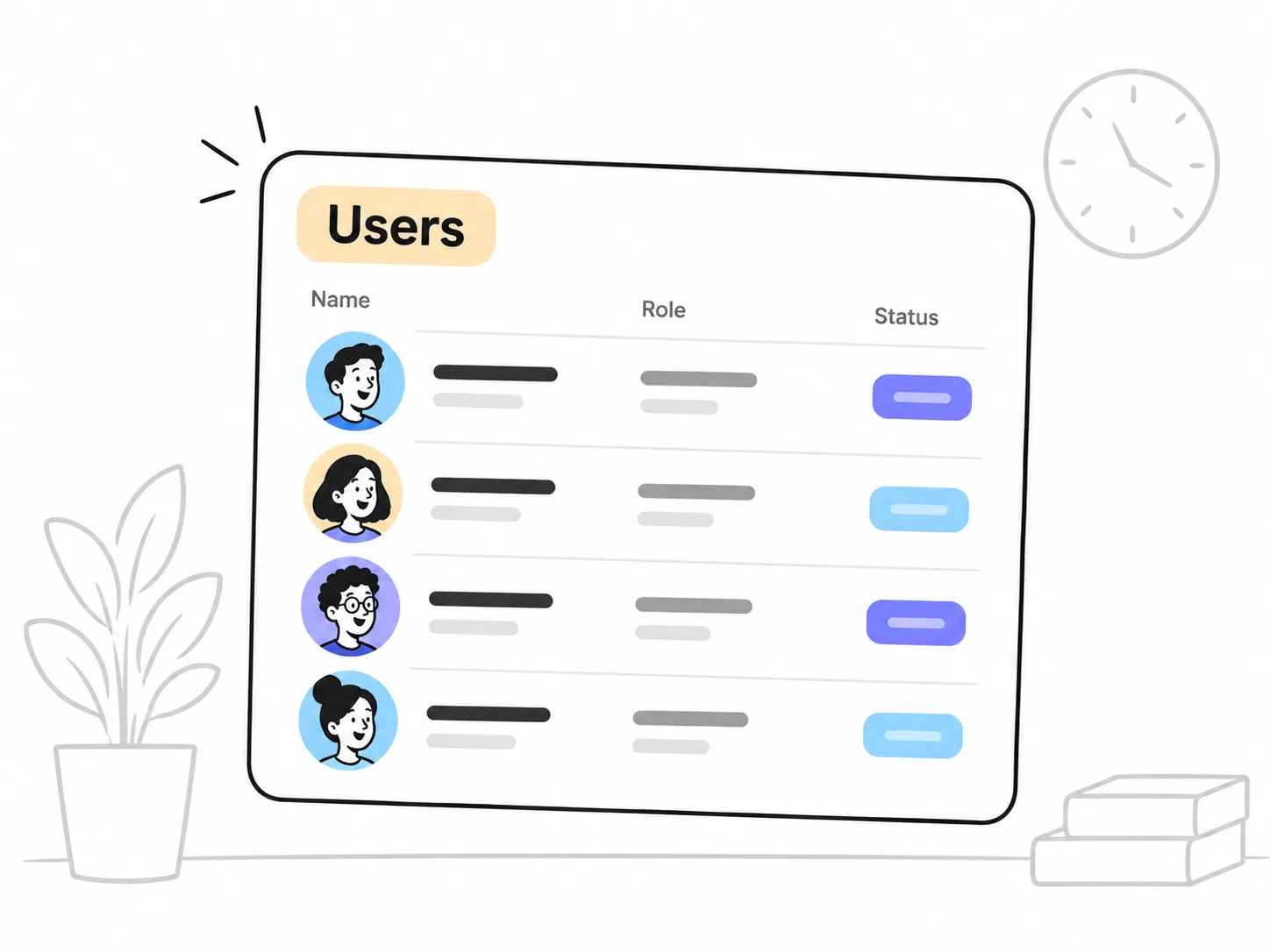
Priced per user, not per branch
Early bird pricing is RM6 per user per month for the full suite. A company with 15 branches pays for the staff it has, nothing per site.
Questions direct selling companies ask.
Short answers. The full help centre has more.
How fast is an instant claim, really?
Tier 1 and Tier 2 claims paid to e-Wallet are credited on approval, as long as the staff member is verified and your prefund balance is sufficient. Tier 3 claims need manager plus HR approval and go by bank transfer.
What if staff clock in outside the set location?
The clock-in still goes through and is flagged to the manager or HR. It is not blocked. You can also use a QR code where GPS is not practical.
How do I check my leave balance?
Open the Leave tab. Your balance for each leave type is shown in real time, so there is no need to ask HR.
What types of claims can I submit?
That depends on what your company has set up. Common types include medical, travel, mileage and petrol claims.
How do I apply for leave?
Go to Leave, tap Apply Leave, choose the type, dates and reason, attach a document if required, and submit. The system counts working days automatically, excluding weekends and public holidays.
What is the difference between Tier 1, Tier 2 and Tier 3 claims?
Tier 1 claims, the small ones, approve automatically. Tier 2 needs one manager approval. Tier 3 needs manager plus HR approval and is paid by bank transfer. Your company sets the ringgit thresholds.
See it work for one branch first.
Register your interest and we will set up one branch with your shifts and claim rules on the real product. Kiplework is for your employed staff; if you also pay independent distributors, talk to us about that separately.