

Everything about your people, on one record.
Profiles, org chart, grades, onboarding and offboarding. KPIs your managers can actually use. Announcements that reach everyone. Statutory forms and HR documents generated, not typed. All on the same record as payroll.
The HR basics, done properly.
The parts of HR that are not about money still need to work every day. This is where they live.

HR admin
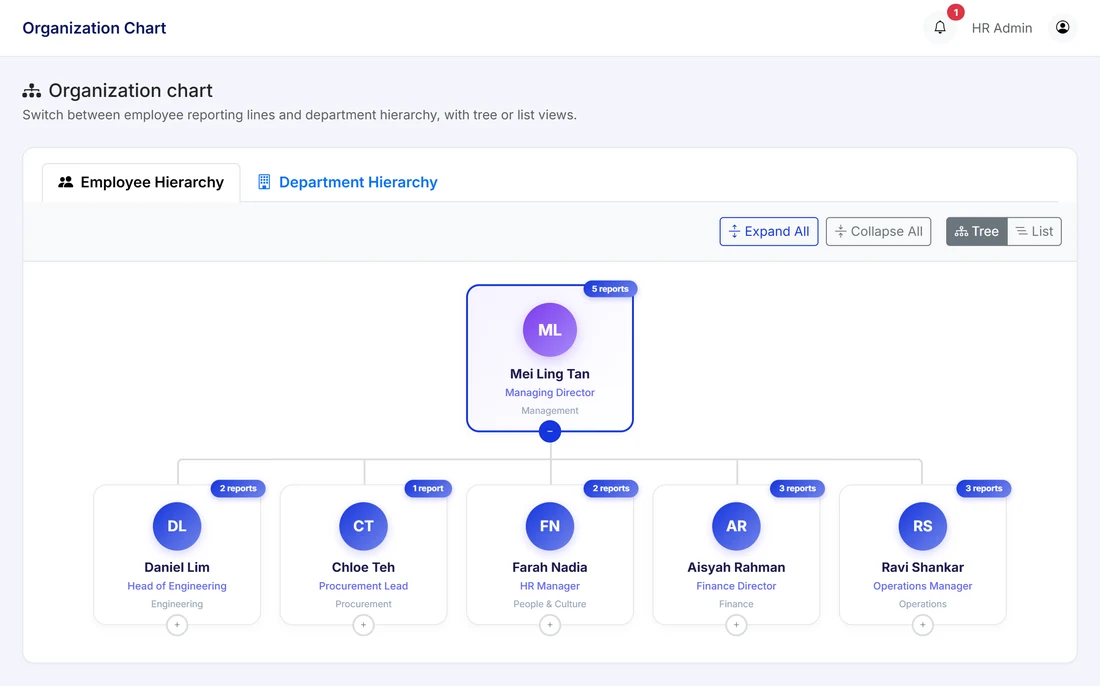
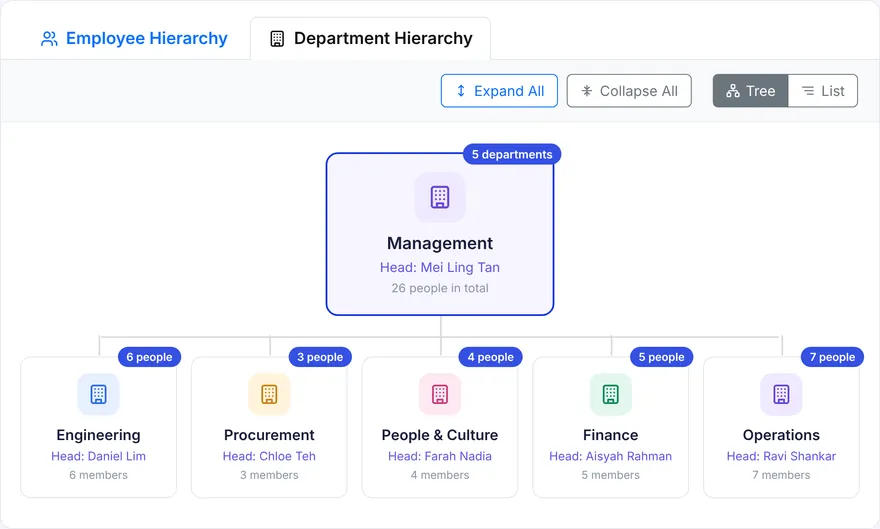
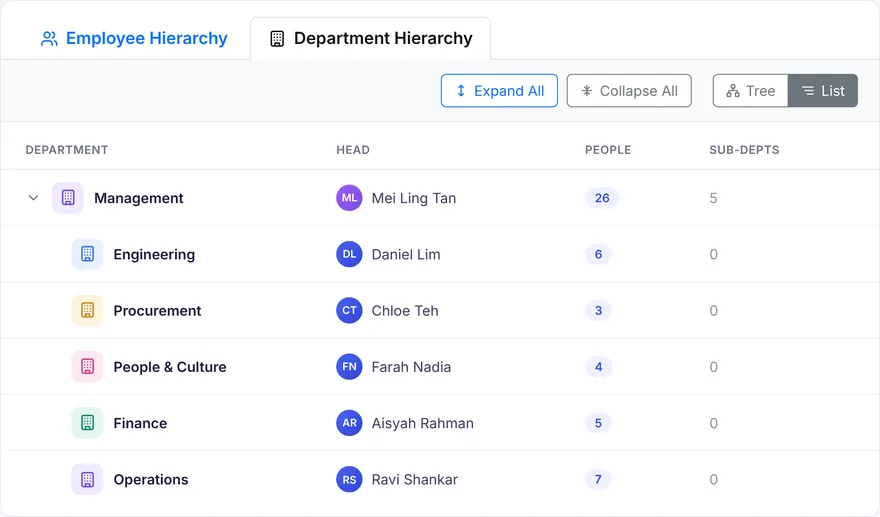
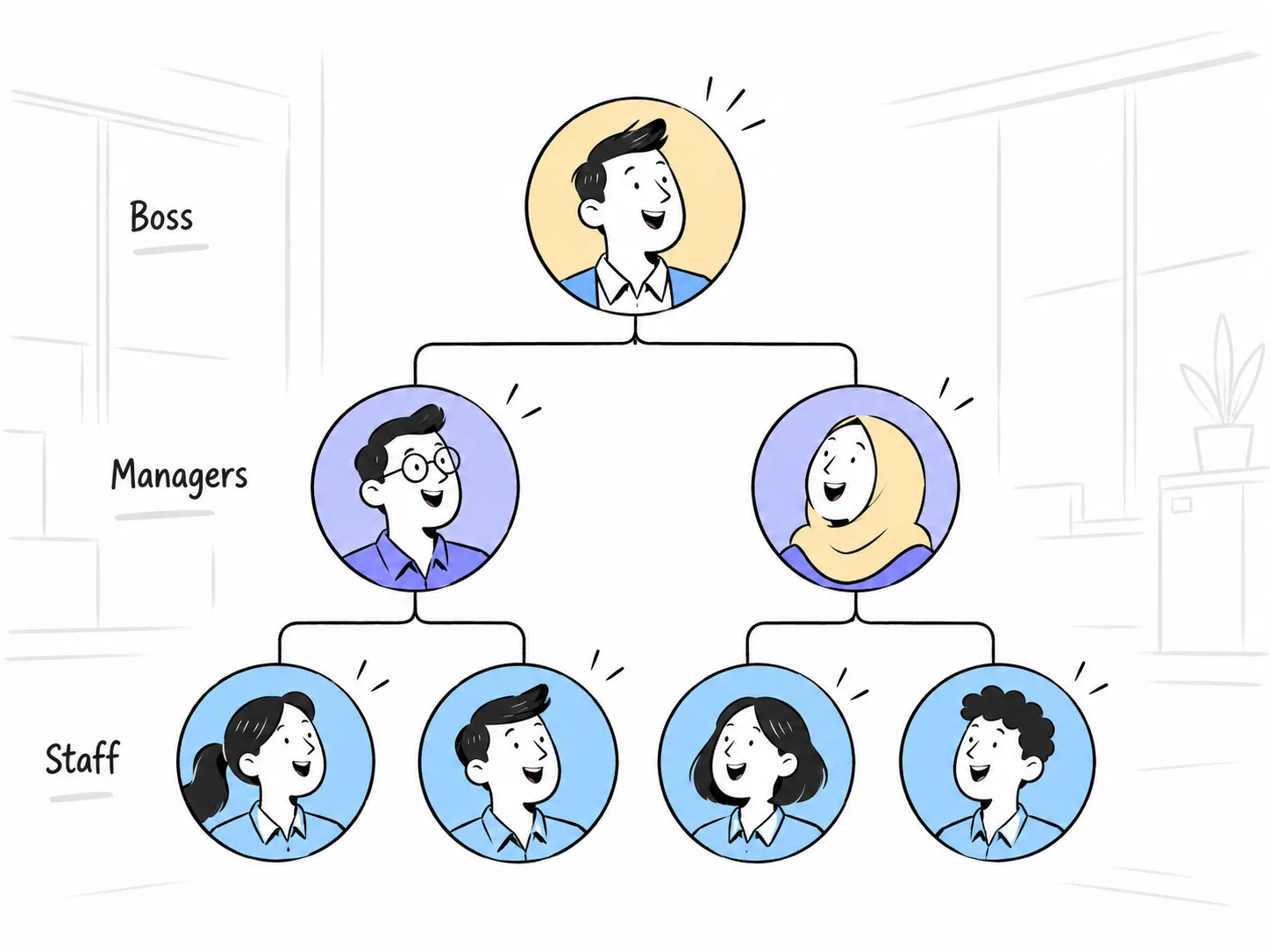
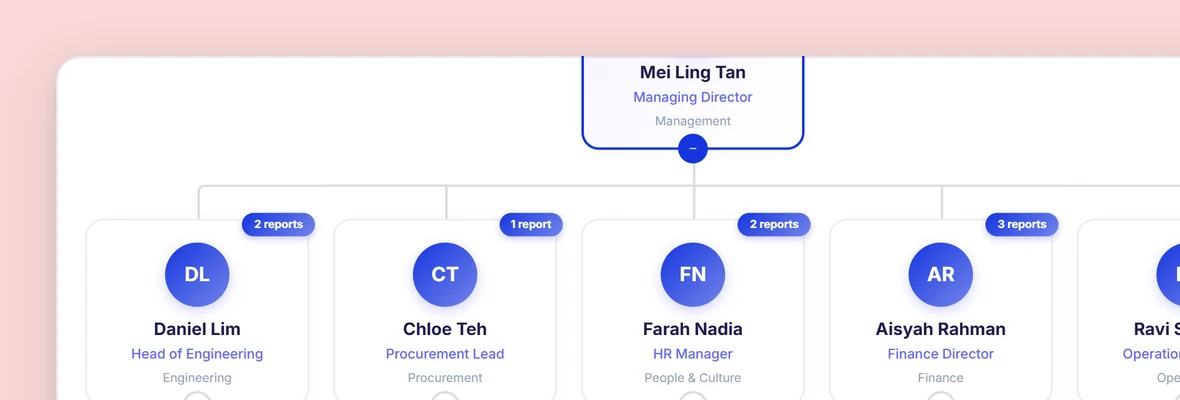
Add staff one by one or bulk import from Excel. Set grades and departments, draw the org chart, run onboarding and offboarding, and generate the forms LHDN and EPF ask for.
Managers
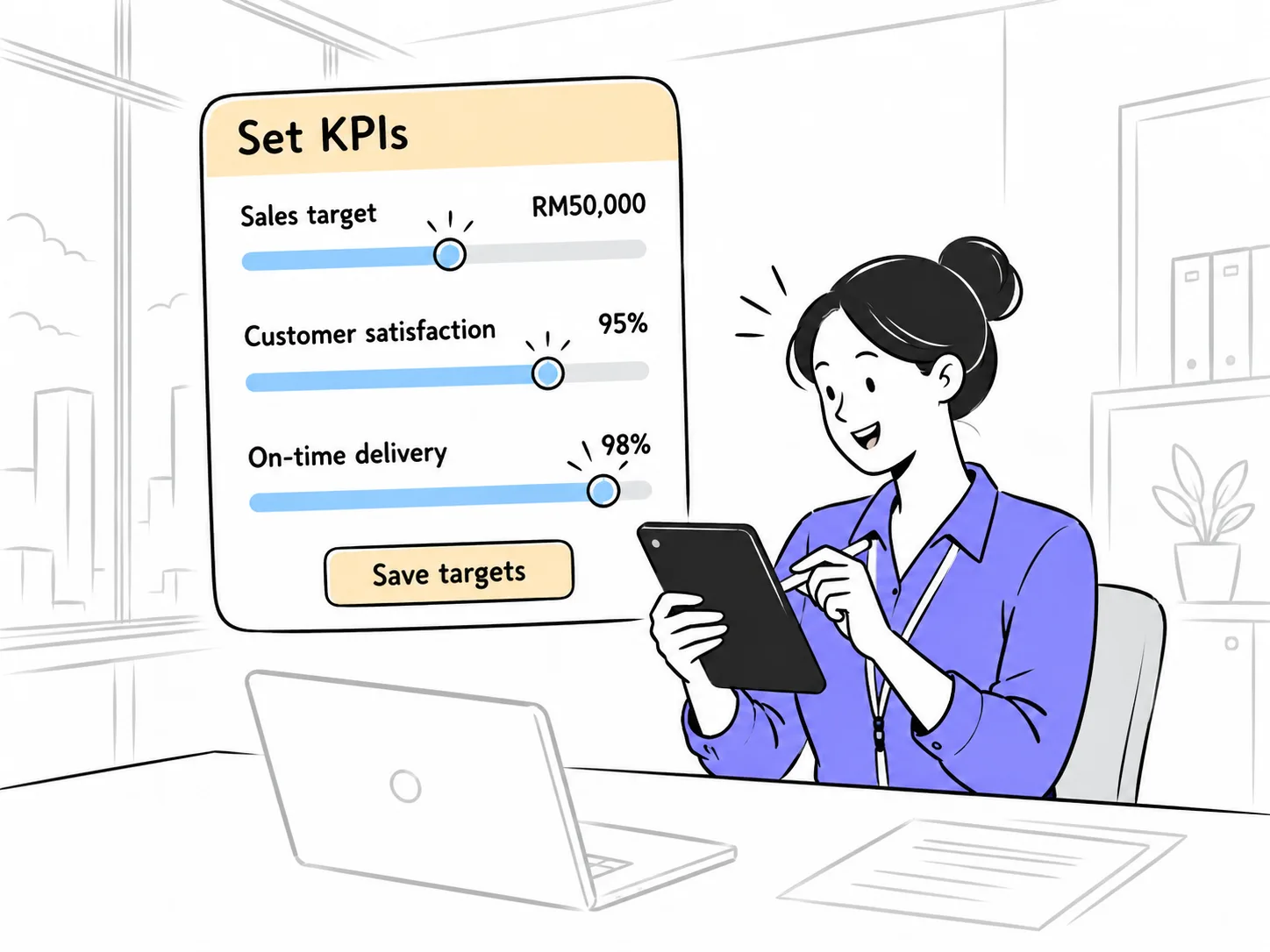
Set KPIs for your team on a form HR built once, run the review cycle your company uses, and see each person's history when it is time to talk about a raise.
Staff
See your own profile and reporting line, read company announcements, check your KPIs, and find your EA Form and letters in one place. Turn notifications on or off yourself.
One staff record, from first day to last.
Every module writes to the same record, so nothing is keyed in twice.
Six modules. Switch on what you need.
Each one can be turned on or off in the portal. Staff only see what is on.

Access is by role. HR admin, Finance and Ops each see only the sections they are given. Warning letters, when released, will be restricted to HR.
Documents generated, not typed.
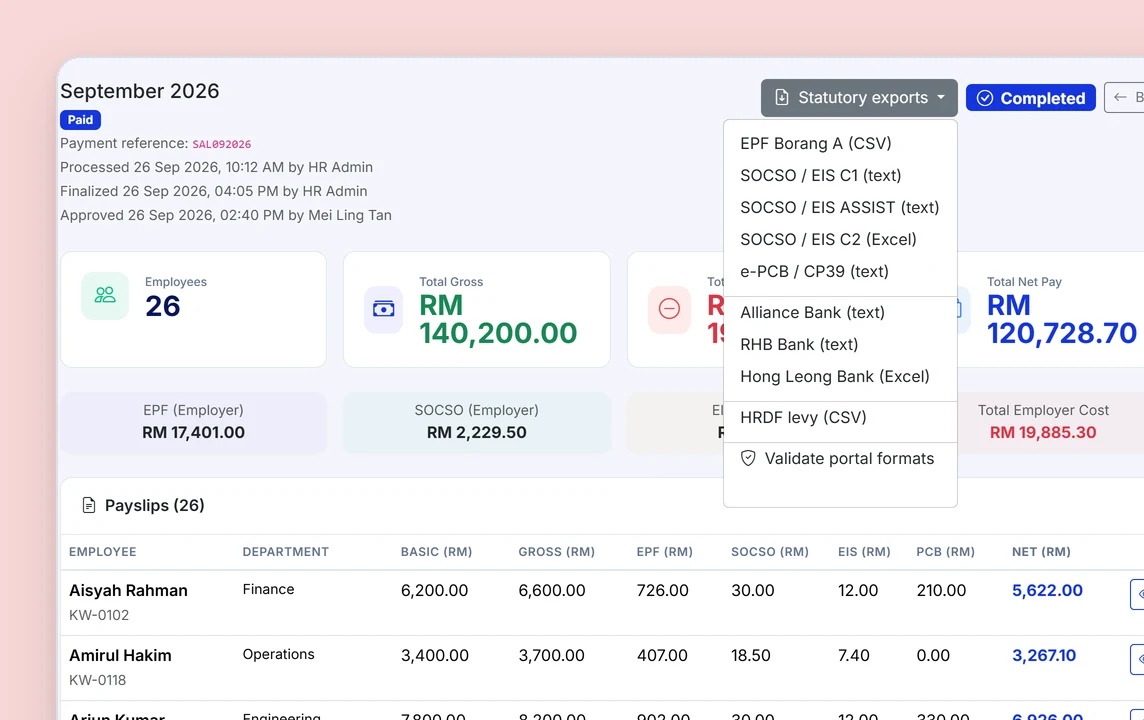
The forms come out of the data you already hold. Nobody retypes an IC number.
One record. Not five systems stapled together.
Grades drive everything
Set a staff member's tier once. It decides which features they see, how their bonus is calculated and where they sit on the chart.
The same record pays them
Payroll, attendance, leave, claims and documents all read from and write to this record. Change a bank account once and it is changed everywhere.
Role-based access
HR admin, Finance and Ops each get their own portal view. Modules that are off are hidden from staff entirely, not greyed out.
What you get from day one.


People and organisation questions.
How do I know my KPIs?
Your manager or HR sets your KPIs on a form configured for your role or department. They are visible in the Performance section of the app.
Can I see my rating after a performance review?
Performance reviews with ratings and outcomes are on the roadmap. At launch, Kiplework tracks KPIs per staff member, with history visible to managers and HR.
Can we move to Kiplework in the middle of the year?
Yes. Staff are bulk imported with an Excel template. Importing earlier payroll months so year-to-date figures carry over is on the roadmap, so ask us about timing if you plan to switch mid-year.
How do I get my Form EA?
Automatic Form EA generation in the app is on the roadmap. Employers must issue Form EA to staff by 28 February each year, so until the feature ships your HR will provide it the usual way.
Can Kiplework handle a group with several subsidiaries?
A Group tier above Company, where each subsidiary keeps its own statutory registrations and the group sees combined data, is on the roadmap. At launch each company is set up separately.
Where can I find my old documents?
Every document you have received stays in your Documents history in the app, so there is no need to ask HR to resend them.
Which statutory documents does the system generate?
At launch: EPF Borang A, SOCSO, EIS and SKBBK forms, and e-PCB for LHDN, generated from payroll data, plus your own templates and letterheads. Form EA, Form E, CP8D, CP21, CP22, CP22A and lifecycle letters are on the roadmap.
When are Form EA, Form E and CP8D due?
Form EA must be issued to staff by 28 February each year. Form E and CP8D must be submitted to LHDN by 31 March.
Bring your org chart. We will set it up live.
Register your interest and we will import a sample of your staff list, build the chart and generate a form with you on the actual product.