

Clock in at the outlet. Easy shifts.
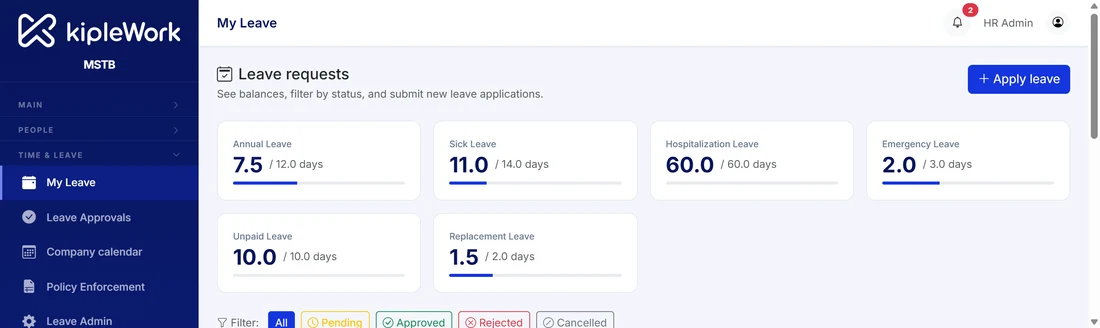
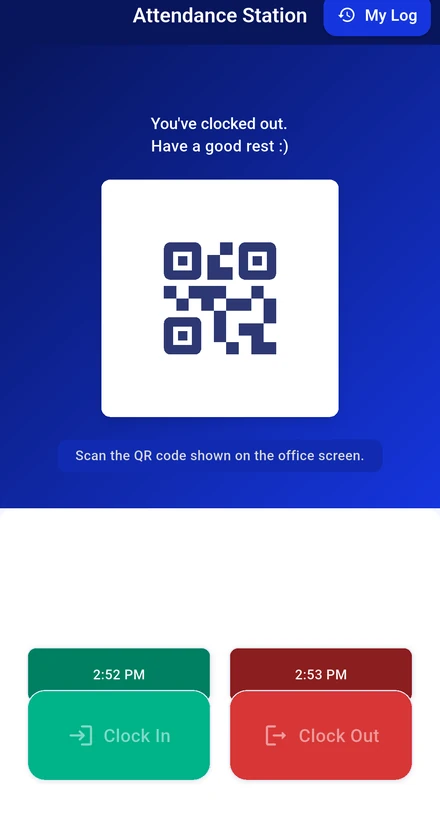
Staff clock in and out on their phone inside the area you set, or by scanning a QR code. Leave is applied, approved and tracked in the app. Overtime is worked out from the clock times and goes straight into payroll.
Made for teams spread across outlets, sites and shifts.
No punch card machine to buy, no timesheet to key in, no leave form to chase.

Outlet and site managers
See who has clocked in at your location today. Get an alert when someone clocks in from outside the area. Approve leave without leaving the floor.
Staff
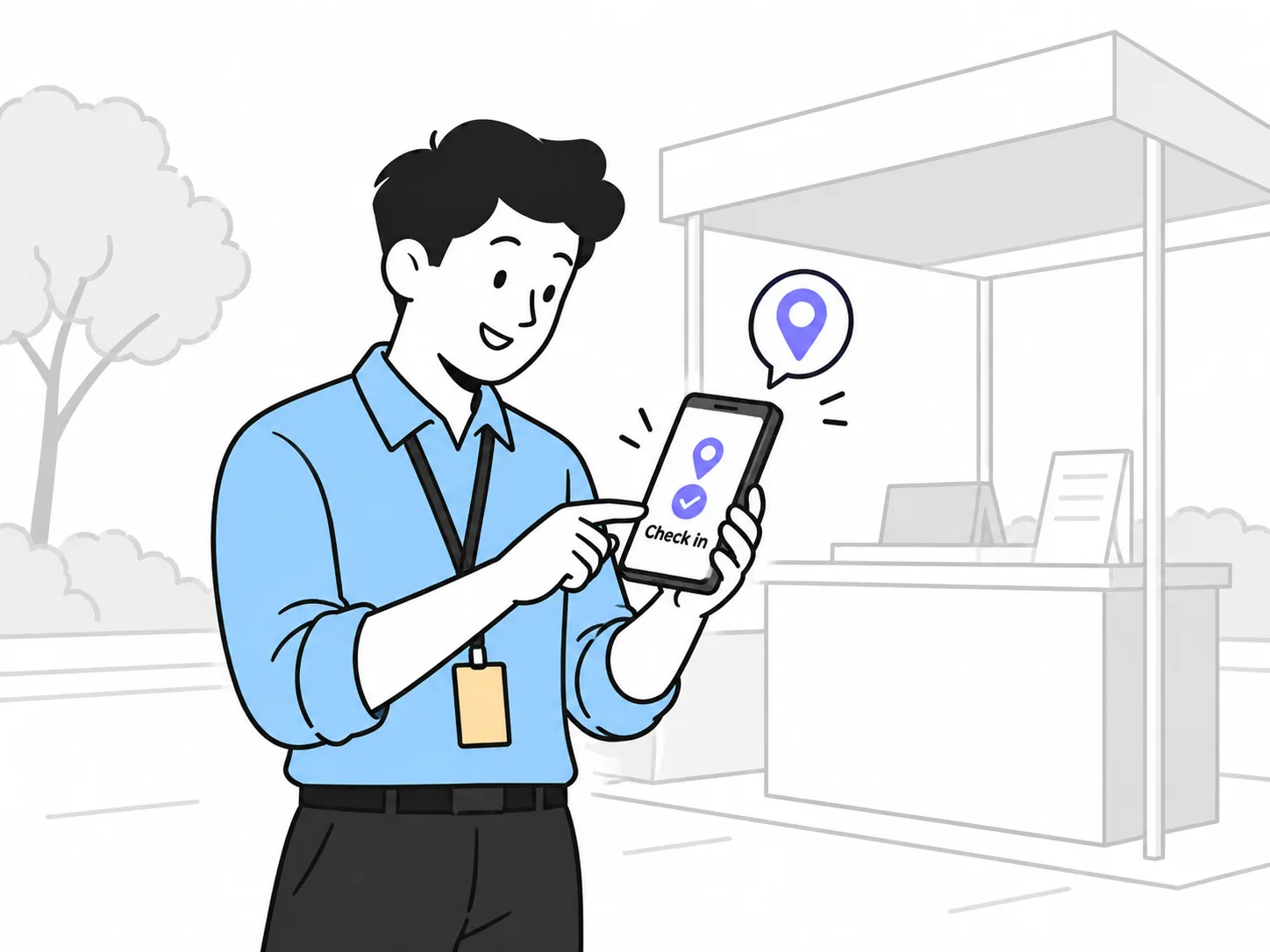
Tap to clock in, tap to clock out. See leave balance live, apply in a minute, snap the MC from the camera. Overtime shows up on the payslip without asking.
HR
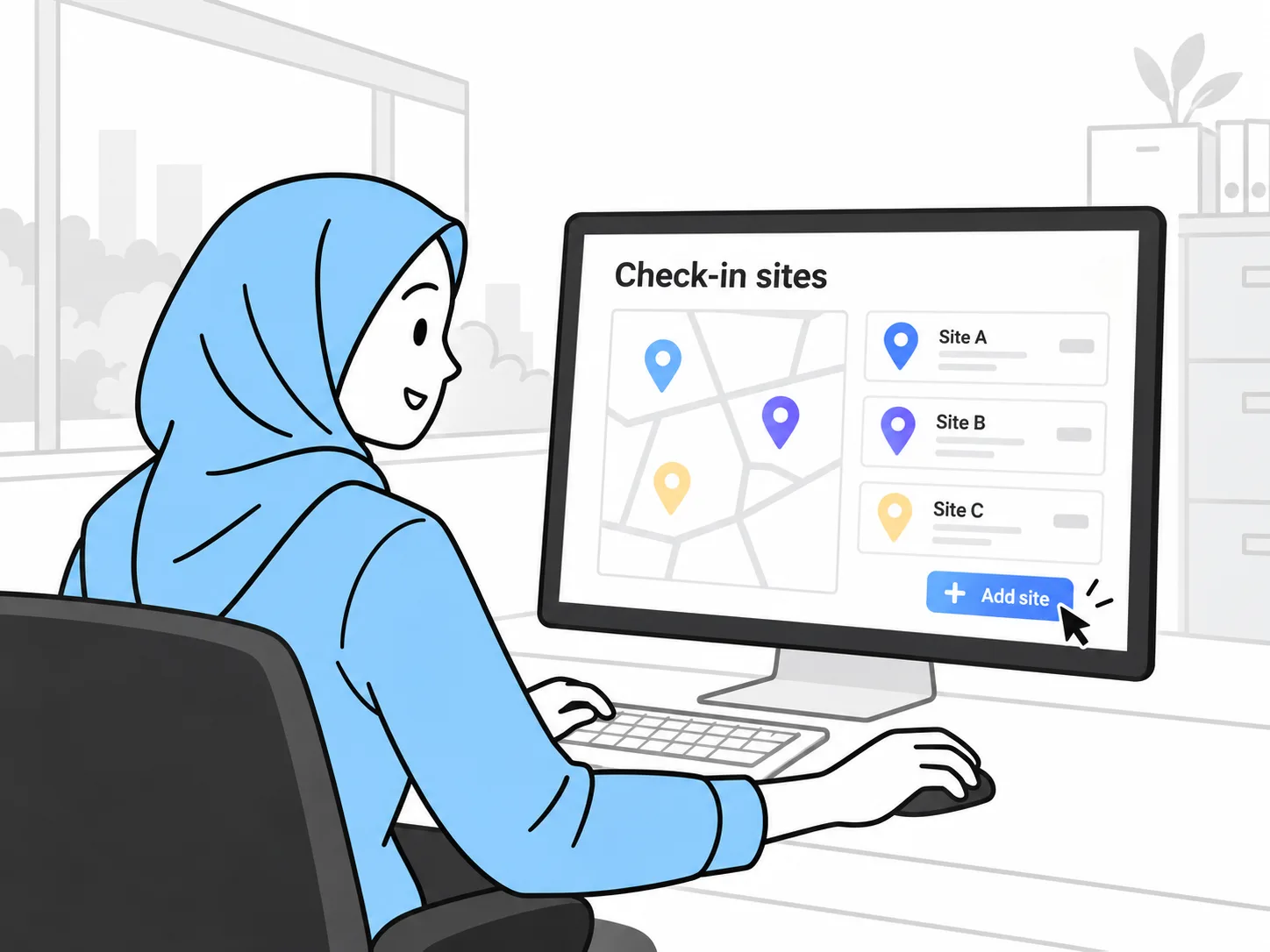
Set up each site once, with its own radius or QR code. Write leave rules the way your handbook says. Everything flows into the monthly payroll run.
From clock-in to payslip in five steps.
Set up a site once. After that, the hours and the leave take care of themselves.
Attendance the way your sites work.
Shops, warehouses, events and offices do not clock in the same way. Pick per site.

Location is checked when staff clock in and clock out. Kiplework is not a tracking app. Staff see the location check happen in the app, and your company decides the radius for each site.
Leave rules that match your handbook.
Nothing is fixed by the platform. You write the rules once and the app applies them.
Time, leave and pay in one system.
Hours become pay, automatically
Overtime and attendance allowances go straight into the payroll run. No timesheet export, no re-keying, no missed OT.
One app for staff
Clock in, apply leave, check the payslip, claim, and use the wallet, all in the same app they already open every day.
One record for HR
Attendance, leave, payroll and documents sit on the same staff record, with the same audit log and the same reports.
What you get from day one.


Attendance and leave questions people ask us.
What if staff clock in outside the set location?
The clock-in still goes through and is flagged to the manager or HR. It is not blocked. You can also use a QR code where GPS is not practical.
How do I check my leave balance?
Open the Leave tab. Your balance for each leave type is shown in real time, so there is no need to ask HR.
How do I apply for leave?
Go to Leave, tap Apply Leave, choose the type, dates and reason, attach a document if required, and submit. The system counts working days automatically, excluding weekends and public holidays.
Can I cancel a leave application?
Yes, while it is still Pending: go to Leave, My Applications, select it and tap Cancel Application. Once it is Approved, your manager or HR needs to cancel it for you.
How do I attach a medical certificate to my leave?
Attach it straight from your phone camera or gallery inside the leave application form.
Why can I not apply for annual leave at short notice?
Some leave types have a minimum advance notice set by your company. The app warns you if your chosen dates do not meet it.
Does work-from-home use up my annual leave?
No. Work-from-home is set up separately. It does not draw from your annual leave balance, and work-from-home days do not carry forward to the next period.
Do I get extra leave after a few years of service?
If your company has this switched on, the system detects service milestones, for example three years, and adds the extra days to your balance automatically, with a notification when it happens.
See it from an outlet's point of view.
Register your interest and we will set up a sample site, clock in from a phone, and run the overtime through to a payslip with you.