

Staff Wallet. Spend anywhere.
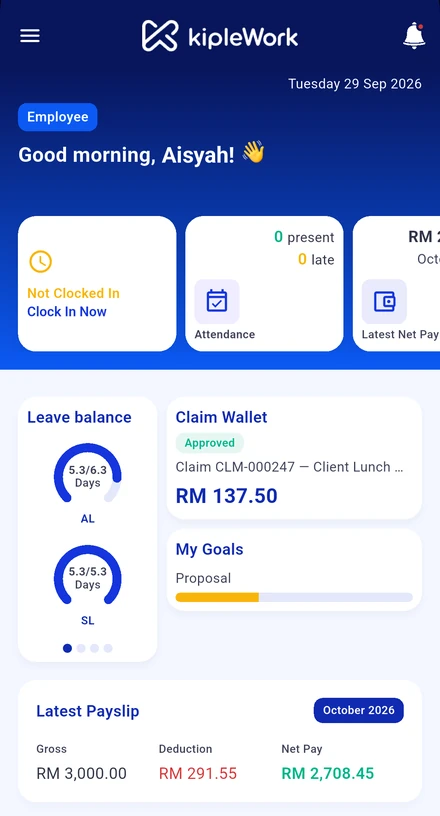
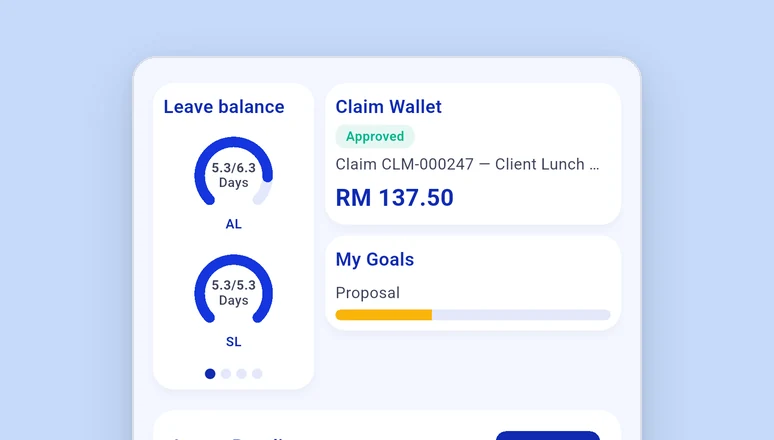
Every staff member gets a Kiplepay e-wallet inside the Kiplework app. Approved claims land in it the same day. They pay with DuitNow QR, send money to a colleague, and see every transaction. PIN-protected, activated with eKYC.
The money part of HR, without a bank visit.
A wallet built for the workplace, issued by a regulated e-money company, living inside the app staff already use for leave and payslips.

Staff
Get claims paid in the same day. Pay at any shop with a DuitNow QR. Send money to a colleague for lunch. Check every transaction in one list.
HR and Finance
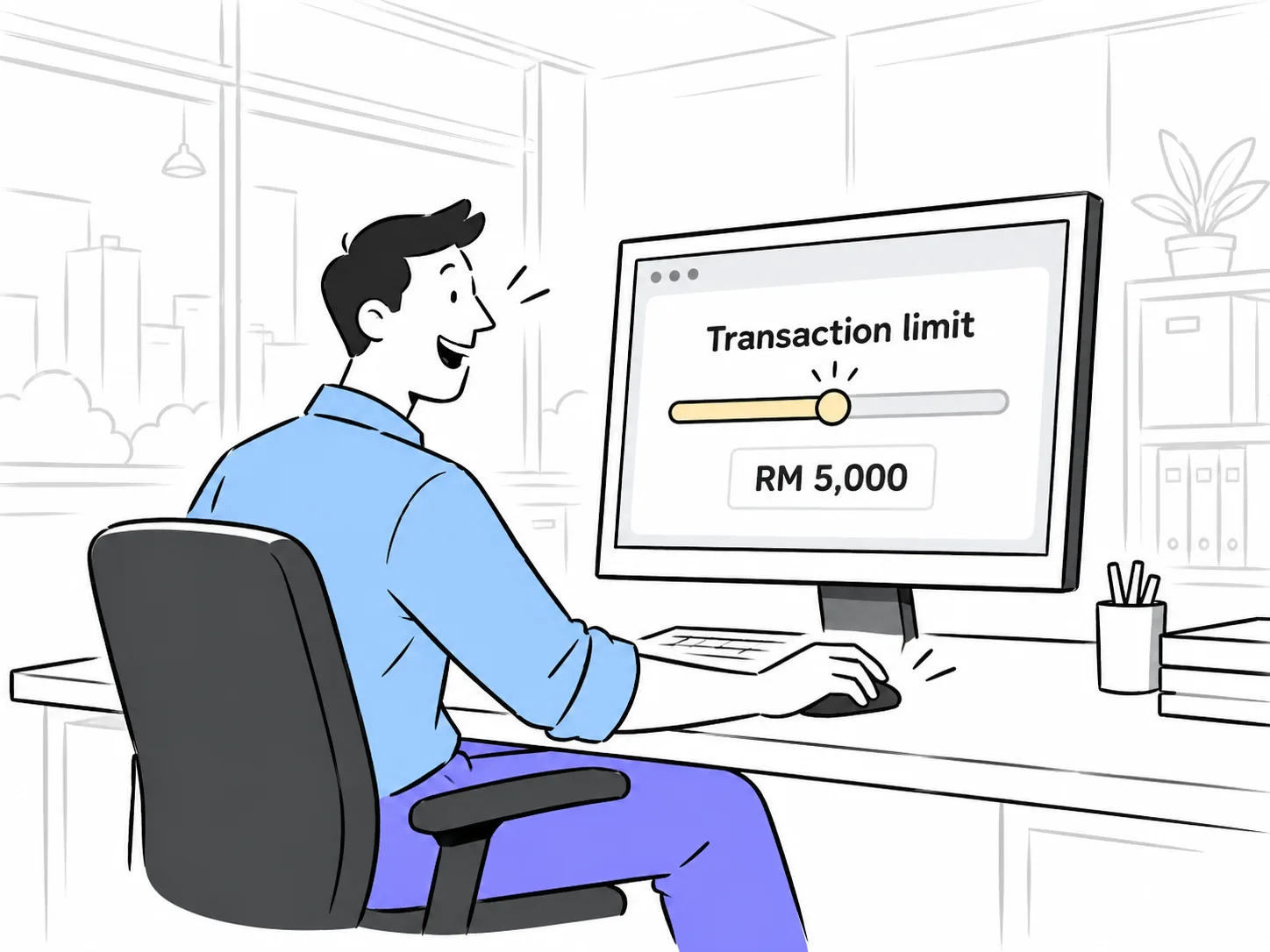
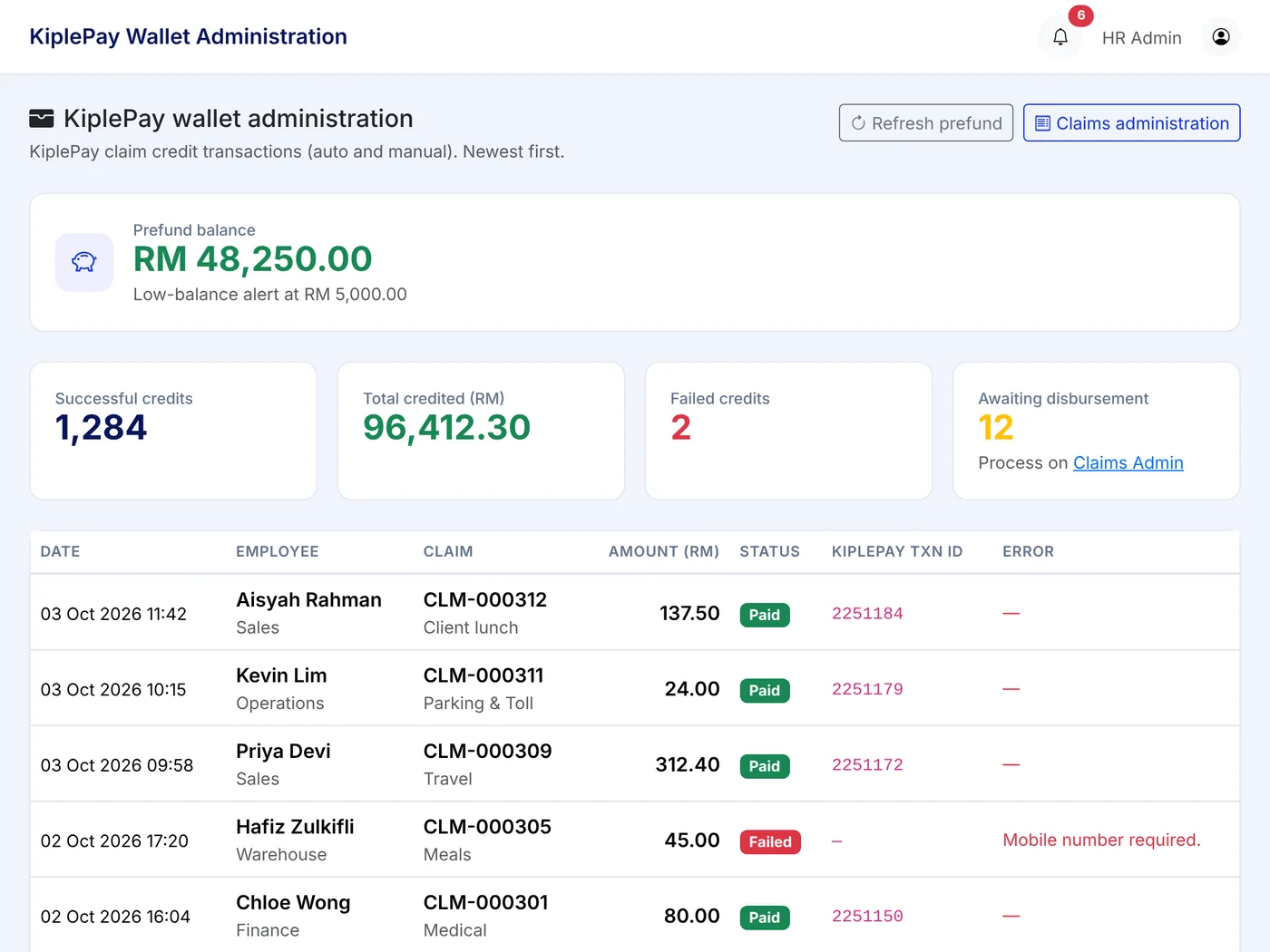
Set transaction limits, watch the prefund balance, top up when needed. Instant claim payouts stop being a Finance task.
Business owners
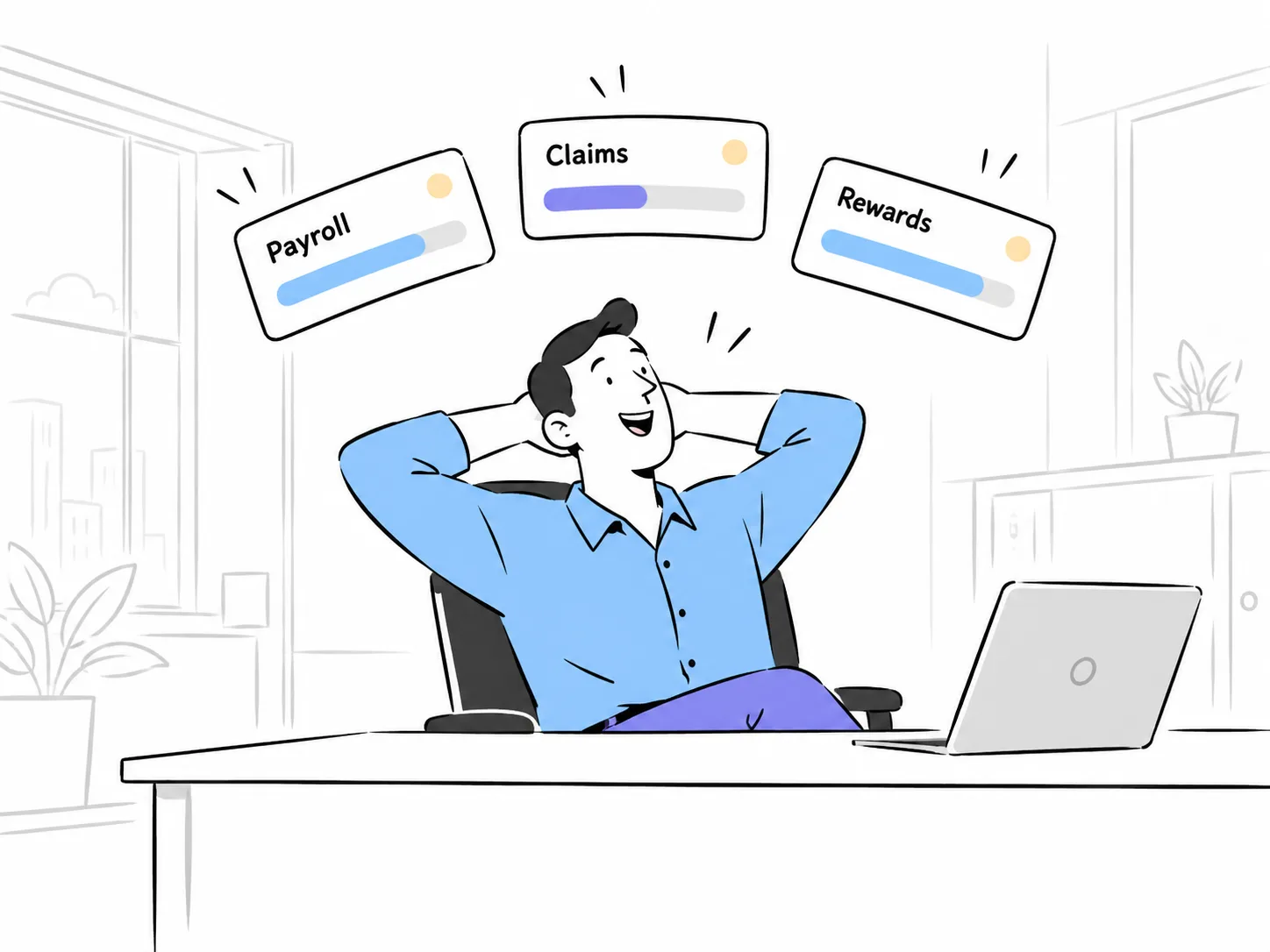
One regulated wallet under payroll, claims and, later, earned wage access. Nothing is paid out that your company has not funded.
From switch-on to first payment in five steps.
HR turns it on once. Staff do the rest on their own phone.
Security and control, built in.
The same standards as a consumer e-wallet, with company-level controls on top.
The wallet is e-money issued by Kiplepay Sdn Bhd, an e-money issuer approved by Bank Negara Malaysia. E-money balances are not bank deposits and are not protected by PIDM (Perbadanan Insurans Deposit Malaysia). This is a separate wallet from the standalone Kiplepay consumer app.
For Finance: the prefund account.
Instant payouts need money already there. Here is how that works.
An HR system that can actually hold money.
Issued by a regulated company
Most HR software cannot pay anyone. Kiplework is built by Kiplepay, an e-money issuer approved by Bank Negara Malaysia, so the wallet is a real, regulated wallet.
On the DuitNow network
Staff pay at any merchant that shows a DuitNow QR, which today is most shops, stalls and services in Malaysia.
Inside the HR app
No second app to install. The wallet sits next to leave, claims and the payslip, and the payouts come from those same modules.
What you get from day one.


Wallet questions people ask us.
How fast is an instant claim, really?
Tier 1 and Tier 2 claims paid to e-Wallet are credited on approval, as long as the staff member is verified and your prefund balance is sufficient. Tier 3 claims need manager plus HR approval and go by bank transfer.
What happens if our prefund balance runs low?
HR is alerted. If the balance runs out, new instant payouts pause and show as Payout Pending until you top up. Nothing is lost.
What is eKYC and why do I need it?
eKYC (electronic Know Your Customer) is a one-time identity check required before your e-Wallet can be switched on. It uses your MyKad or passport and a selfie to confirm you are who you say you are.
Do we have to use the wallet to use Kiplework?
No. The wallet is a module. You can run payroll, leave, claims and attendance without it and switch it on later from Settings.
What documents do I need for eKYC?
Your MyKad, front and back, if you are a Malaysian citizen or permanent resident, or your passport if you are a foreign national, plus a selfie for the liveness check.
Can I get a Visa card linked to my wallet?
A Visa card linked to the wallet balance is on the roadmap. When available, it must be switched on by your company, and the design can be standard or your company's own branding.
How does the prefund account work?
The prefund account is the funding source for instant claim payouts. Your company tops it up in advance and payouts are debited from it in real time.
Why was my eKYC rejected?
Common reasons are blurry or dark document photos, glare on the MyKad, or a selfie that does not match the ID, for example wearing glasses, a mask or a hat. Check the reason shown in the app and resubmit.
See the wallet on a real phone.
Register your interest and we will walk you through eKYC, a claim payout and a DuitNow payment, end to end.